

Centurion 4 Button Remote: The Ultimate Multi-Channel Security Solution
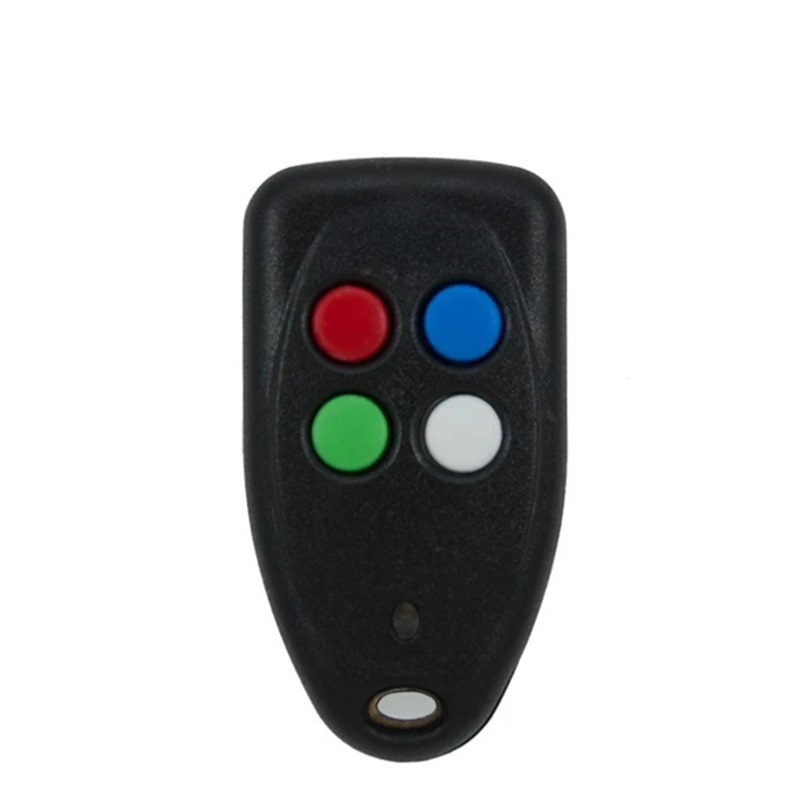
Managing a modern property requires operating multiple automated entry points and security systems. Carrying a separate transmitter for every single device is impractical and frustrating. The genuine Centurion 4 Button Remote solves this problem entirely by providing a sleek, centralized, and highly secure access control solution. Built by the undisputed leaders in gate automation, this robust transmitter gives you multi-channel control without sacrificing the safety of your boundary line.
When you invest in an authentic Centurion Nova 4 button remote , you are choosing an industry-vetted solution trusted by millions of families to protect their premises. Stop compromising your safety with cheap, unbranded replacement remotes that suffer from poor range or lose their programming over time. Upgrade to premium South African engineering that guarantees immediate response times and heavy-duty field performance.
Why Choose the Centurion Nova 4 Button Remote?
The modern security landscape requires smart electronic defense mechanisms to counter high-tech criminals. The Centurion Nova 4 button remote completely replaces vulnerable, fixed-code transmitters with a secure code-hopping algorithm. Every single time you press any of the four buttons, the transmitter randomly changes its encrypted signal from billions of possible digital variations. This ensures it is physically impossible for intruders to record, clone, or copy your Centurion gate remote signal to gain access later.
Four Buttons, Infinite Convenience
The main advantage of this multi-channel Centurion gate remote is its ability to streamline your daily routine. Instead of fumbling through a heavy bunch of keys, you can program the four distinct, tactile buttons to run independent automated systems:
- Button 1: Triggers your main Centurion driveway gate for full vehicle access.
- Button 2: Opens your primary automatic garage door.
- Button 3: Activates your secondary garage door or a pedestrian gate opening.
- Button 4: Toggles your home alarm system, armed response panic link, or outdoor security lighting.
Built to Outlast the Toughest Conditions
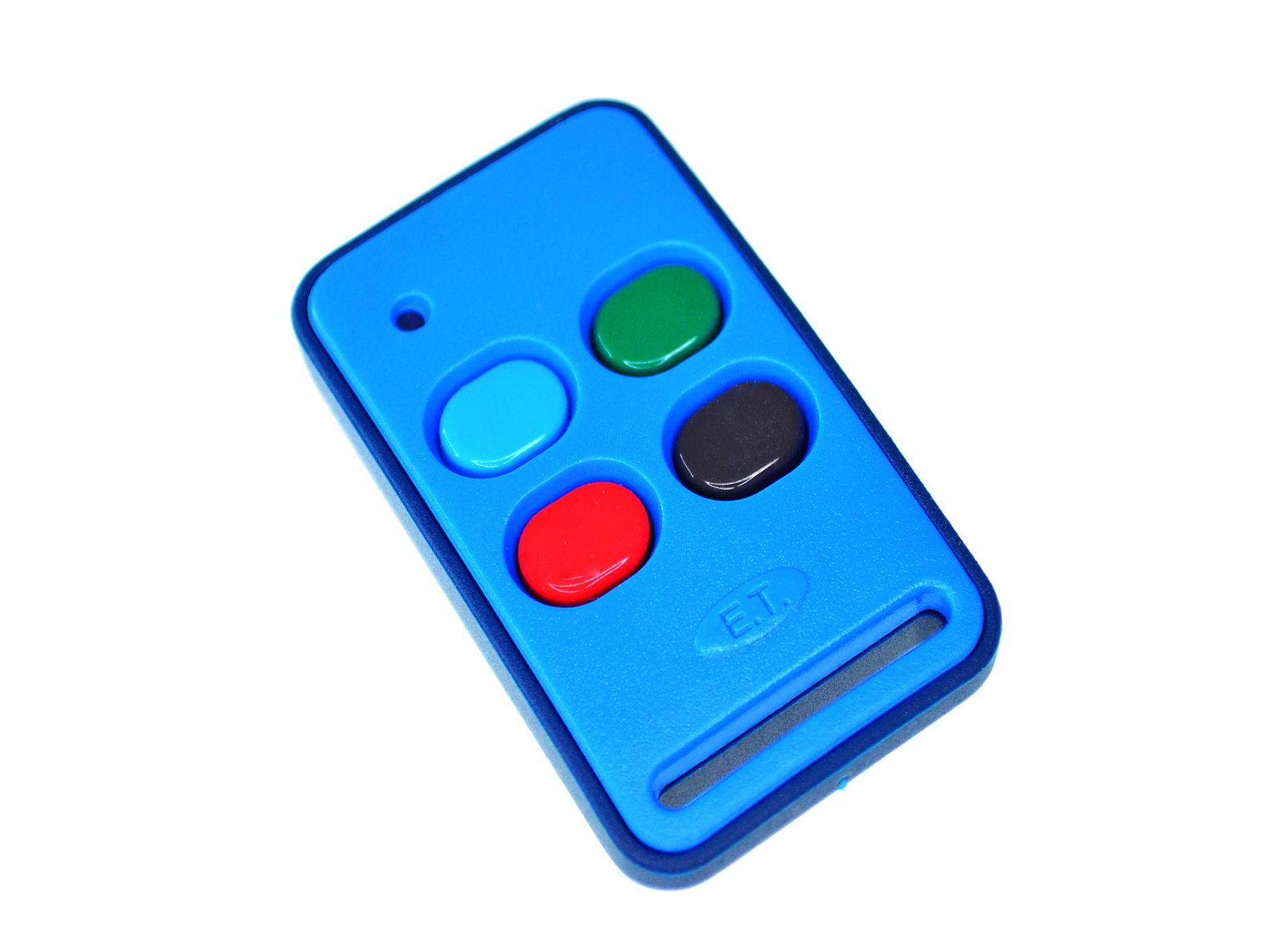
Keyring transmitters endure continuous wear and tear inside pockets, bags, and vehicle ignitions. The heavy-duty Nova 4 button remote features an ergonomic, compact housing molded from high-impact polycarbonate materials. The individual buttons are manufactured from durable, weather-resistant silicone that will not crack or fade over years of heavy daily use, ensuring you always have reliable access to your home when it matters most.
Key Benefits of a Genuine Centurion Nova Gate Remote
Adding a new Centurion nova gate remote to your security infrastructure provides elite operational advantages and long-term peace of mind:
- Extended Transmission Range: Projects a crisp, clear wireless signal that easily cuts through concrete walls, brickwork, and dense garden foliage.
- Superior Battery Efficiency: Ships with a high-capacity internal battery engineered to deliver multiple years of continuous daily operation.
- Instant Visual Indicator: Equipped with a bright, built-in LED light that flashes upon activation to confirm signal delivery and show real-time battery health.
- Hassle-Free Programming: Integrates seamlessly with all modern Centurion rolling-code receivers, making DIY setup quick and simple.
How to Program Your Centurion Gate Remote
Linking your new Centurion Nova 4 button remote directly to your Centurion D5-Evo, D10, or standalone receiver takes less than two minutes.
- Open the Controller: Remove the primary weather cover of your gate motor to reveal the internal LCD display board.
- Navigate the Settings: Use the onboard navigation buttons to scroll down to the “Remote Controls” menu.
- Select Add Remote: Choose the option to link a new transmitter and pick your desired action (e.g., Trigger Gate).
- Press to Pair: When prompted by the screen, firmly press the specific button on your Centurion 4 Button Remote that you want to assign. The onboard buzzer will emit a sharp chirp to confirm successful pairing.
- Test the Device: Step back a few meters and press the button to ensure your gate cycles smoothly.
Take total control of your perimeter security today. Order your original Centurion 4 Button Remote now and simplify your property access!


Reviews
There are no reviews yet.