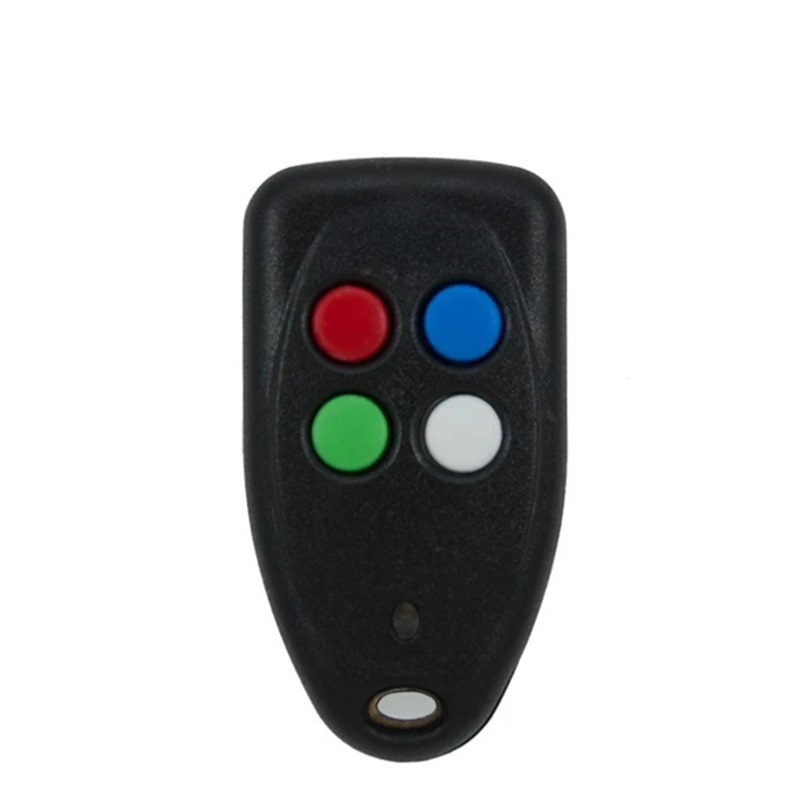
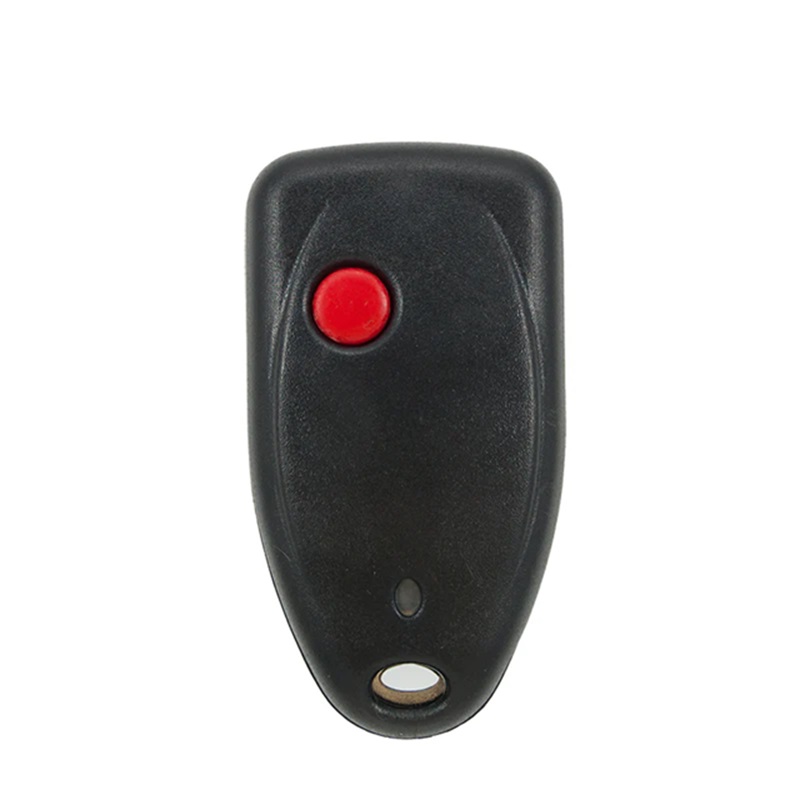
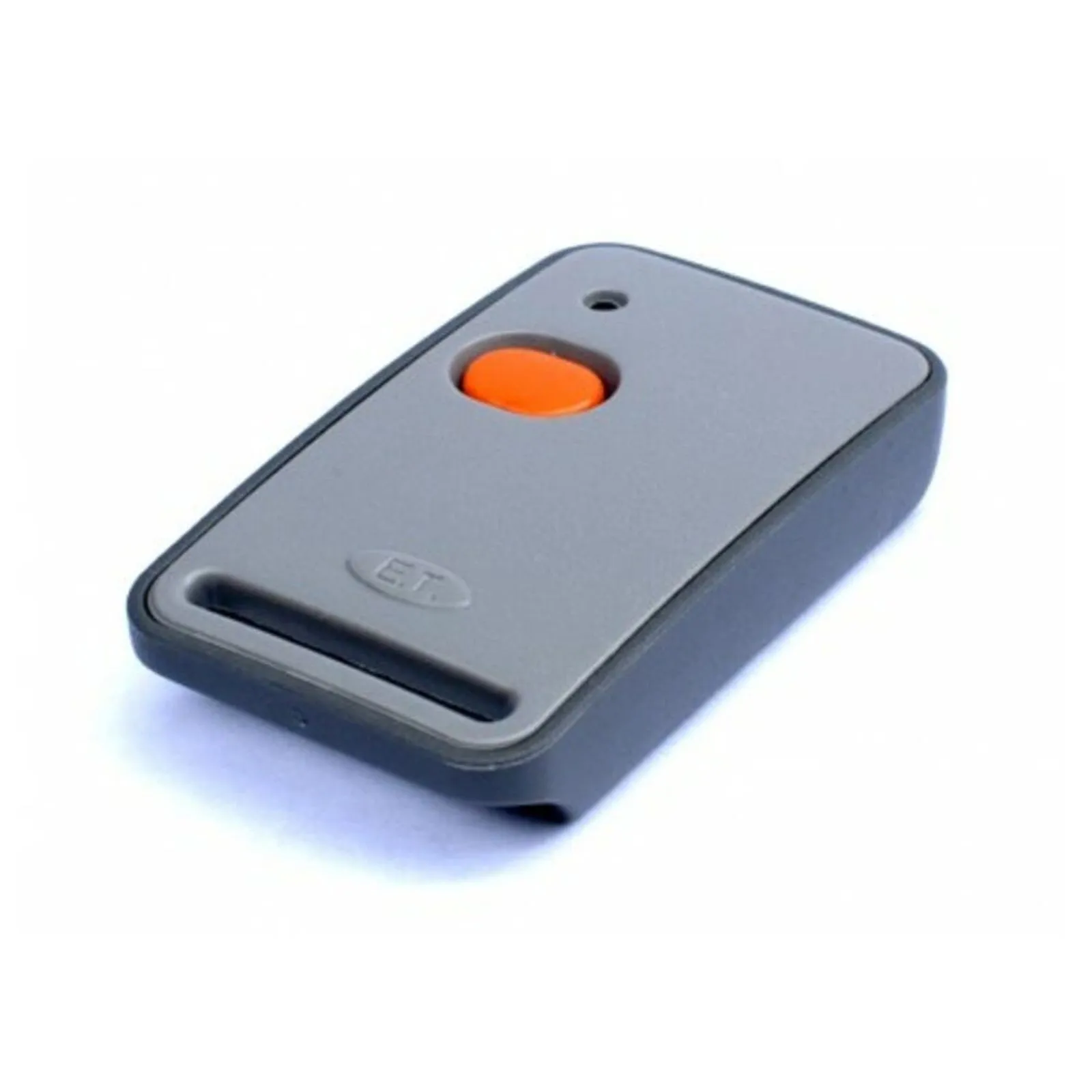
Centurion 1 Button Remote: The Benchmark in Perimeter Access Control
Securing your residential home or commercial property begins right at the boundary line. The authentic Centurion 1 Button Remote delivers a simple, efficient, and highly secure method for controlling your automated entrance. Engineered by the leaders in access automation, this premium gate transmitter provides exceptional signal transmission distance and lightning-fast response times.
When you invest in a genuine Centurion nova gate remote , you are choosing a product trusted by millions of families to safeguard their properties daily. Stop dealing with generic, cheap replacement remotes that fail when it rains or lose programming randomly. Choose the reliability, toughness, and digital protection that only a premium South African security brand can deliver.
Why Choose the Genuine Centurion Nova 1 Button Remote?
The modern security landscape requires advanced electronic solutions to counter tech-savvy intruders. The Centurion Nova 1 button remote replaces outdated fixed-code transmitters with an award-winning rolling code system. Every single time you press the button, the transmitter alters its encrypted signal from billions of possible digital variations. This makes it completely impossible for criminals to record, clone, or grab your remote control’s signal to access your home later
The Simplicity of a Centurion Single Button Remote
For many property owners, multi-button transmitters are unnecessarily complicated and bulky. A Centurion single button remote offers a clean, streamlined design dedicated entirely to your primary entrance. It is the ideal choice for:
- Domestic staff who only require access to the main sliding gate.
- Housing estate residents where a single button triggers the main communal barrier.
- Family members who prefer a straightforward, fuss-free button layout that is easy to press in an emergency.
Heavy-Duty Design of the Nova 1 Button Remote
Keyring transmitters endure incredible wear and tear over their lifespan. The heavy-duty Nova 1 button remote features a sleek, impact-resistant polycarbonate housing that can withstand accidental drops on hard asphalt, concrete, or tiled surfaces. The tactile silicone button is designed to withstand thousands of presses without tearing, fading, or losing its internal click mechanism, ensuring you are never locked out of your own property.
Key Benefits of a Genuine Centurion Nova Gate Remote
Adding a new Centurion nova gate remote to your security setup guarantees elite operational performance and long-term value:
- Exceptional Long Range: Projects a strong, clear signal that easily penetrates thick concrete walls, boundary brickwork, and dense garden foliage.
- Extended Battery Efficiency: Runs on a high-capacity, easily replaceable internal battery designed to provide multiple years of continuous daily operation.
- Instant Visual Feedback: Equipped with a bright internal LED light that flashes when pressed, confirming that your signal has been sent and indicating current battery health.
- Quick Programming Routine: Syncs effortlessly with your existing automated setup, saving you time and costly technician call-out fees.
How to Set Up Your Centurion Nova 1 Button Remote
Programming your new Centurion Nova 1 button remote directly to your Centurion D5-Evo, D10, or standalone receiver is an incredibly quick process that takes less than two minutes.
- Access the Controller Panel: Open the primary weather cover of your gate motor to reveal the internal LCD screen and navigation keys.
- Open the Remote Menu: Use the buttons to scroll down to the “Remote Controls” setting option.
- Choose Add Remote: Select the option to add a new transmitter and choose the specific trigger function (such as Trigger Gate or Pedestrian).
- Press to Pair: When the screen prompts you, firmly press the button on your new Centurion 1 Button Remote . The motor’s internal buzzer will emit a sharp chirp to confirm the device is paired.
- Test the Range: Step back a few meters and press the button again to confirm your gate opens smoothly.
Don’t compromise on your family’s perimeter security. Order your original Centurion 1 Button Remote today and experience total peace of mind.