Centurion 2 Button Remote: Premium Access Control & Security
When it comes to safeguarding your home or business premises, your first line of defense is your automated boundary entry. The Centurion 2 Button Remote is the gold standard for reliable, secure, and instantaneous access control. Designed specifically to work with market-leading gate automation systems, this compact transmitter ensures you can operate your automated entrance from the comfort and safety of your vehicle.
Investing in a genuine Centurion nova gate remote means choosing a device built for durability, impressive signal transmission range, and uncompromised digital safety. Don’t risk your property’s perimeter with cheap, generic copies—trust the engineering that millions of South African households rely on every single day.
Why the Centurion Nova 2 Button Remote Leads the Market
The security landscape is constantly evolving, and standard fixed-coded remotes simply cannot keep up with modern tech threats. The Centurion Nova 2 button remote utilizes a sophisticated code-hopping system. Each time you click the button, the remote randomly changes the transmitted code from billions of possible combinations. This entirely eliminates the risk of criminals using code-grabbers to copy your remote’s signal and gain entry to your property later.
Dual-Channel Versatility of the Centurion Double Button Remote
The versatile Centurion double button remote gives you multi-device control right in the palm of your hand. Instead of carrying a bulky bundle of keys and different transmitters, you can easily program the two distinct, textured buttons to operate two different functions. For example:
- Button 1: Triggers your main driveway gate for full vehicle access.
- Button 2: Activates your garage door motor or a pedestrian opening link.
Ergonomic and Heavy-Duty Construction
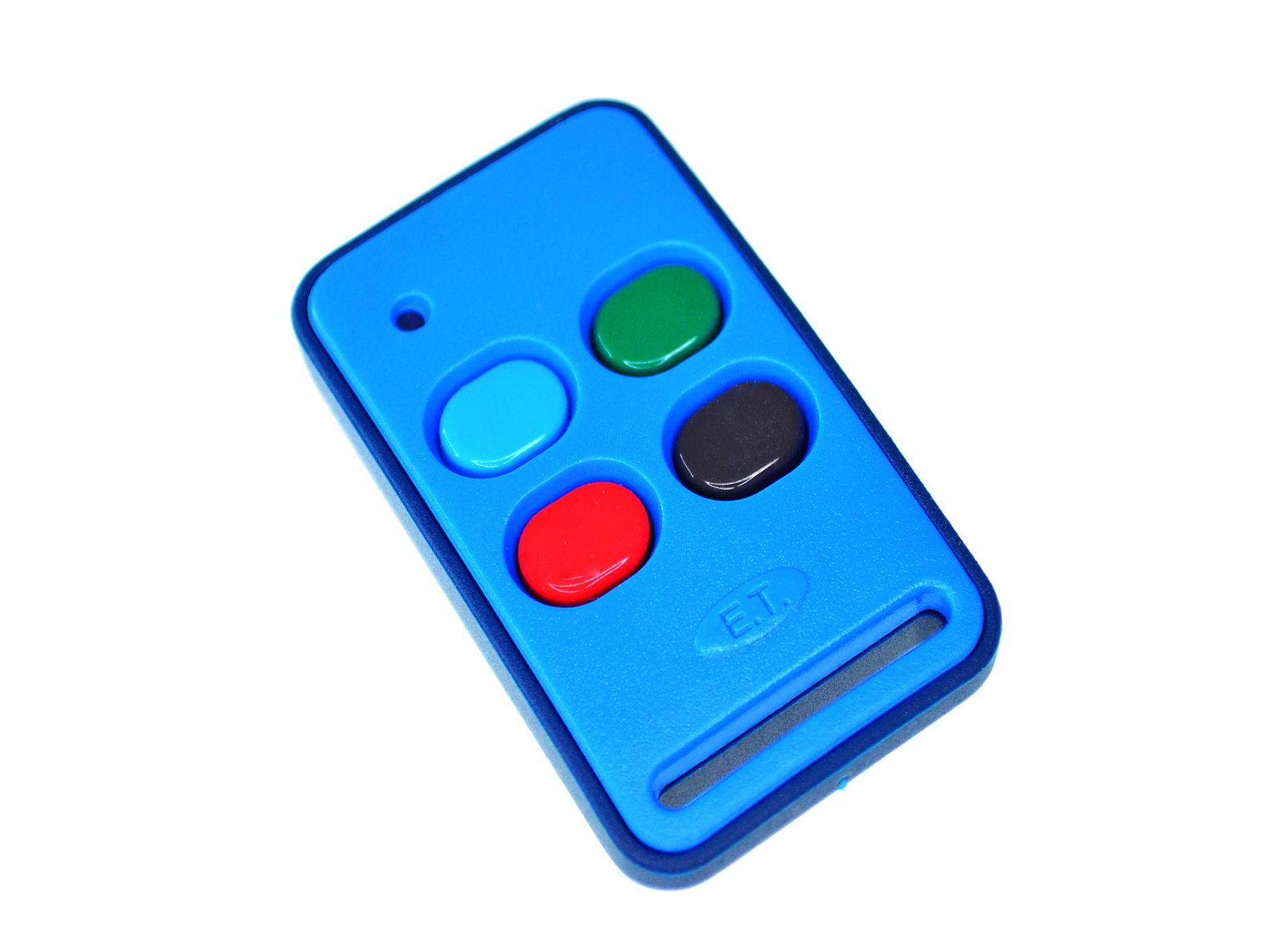
A gate transmitter lives a rough life on your keychain. The Nova 2 button remote features a sleek, teardrop-shaped body designed to fit comfortably in your hand. The casing is molded from high-impact polycarbonate materials, ensuring it survives accidental drops on tar, concrete, or tiled floors. Furthermore, the buttons are made from durable silicone that won’t crack or wear away after years of heavy usage.
Key Features of the Centurion Nova Gate Remote Range
Choosing a genuine Centurion nova gate remote guarantees you receive maximum value, excellent technical support, and premium operating features:
- Impressive Operating Range: Emits a powerful, clear signal that easily penetrates walls, fences, and dense foliage, allowing you to open your gate from down the street.
- Long-Lasting Battery Life: Ships with a pre-installed, high-capacity alkaline battery that provides years of dependable, daily operation.
- Visual Feedback Indicator: Features a bright internal LED light that illuminates whenever a button is pressed, confirming signal transmission and indicating battery health.
- Easy Programming Protocol: Integrates effortlessly with existing Centurion receivers, making setup quick and hassle-free for both DIYers and professional installers.
Step-by-Step: How to Program Your New Centurion Double Button Remote
Linking your new Centurion double button remote to your existing D5-Evo or generic Centurion receiver is incredibly straightforward.
- Access the Controller: Open the main housing cover of your Centurion gate motor to access the LCD control card.
- Navigate the Menu: Use the setting buttons to scroll to the “Remote Controls” menu option.
- Select Add Remote: Choose the option to add a new transmitter and select the desired action (e.g., Trigger Gate).
- Press and Pair: When prompted by the screen, press the specific button on your new Nova 2 button remote that you want to pair. The onboard buzzer will chirp to confirm successful learning.
- Test the Device: Step back a few meters and press the button to ensure your gate cycles smoothly.
Safeguard your family and simplify your daily routine. Order your original Centurion 2 Button Remote today and experience premium, stress-free access control.